Oil & gas
Equipment hierarchies, inspection records and maintenance visibility across upstream and downstream operations.
Pressure equipmentPipelinesProcess assets
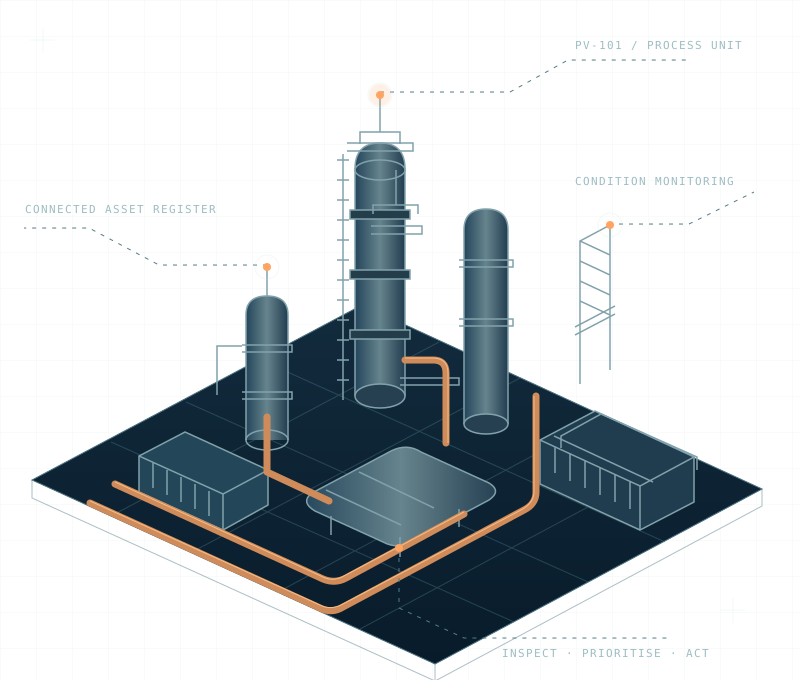
Connect asset information, inspection planning and maintenance workflows. A clearer picture of your operation starts here.
Explore the workflows your team needs, then shape the right scope with Digital53.
See the whole asset lifecycle. Connect equipment records, condition history and inspection priorities.
INTEGRITYKeep technical information connected, from equipment documentation to engineering change control.
ENGINEERINGGive safety observations, assessment actions and follow-ups a clear owner and a traceable path.
HSEConnect planned maintenance, work orders and equipment history in one operational view.
SOFTWAREBuild a practical bridge between asset operations, ERP, document management and business systems.
SOFTWARETurn fragmented asset information into consistent records and useful operational reporting.
DATAMake evidence easier to find. Organise records, responsibilities and corrective actions.
COMPLIANCEHelp people adopt the workflow with role-based walkthroughs and practical learning materials.
TRAININGSee how a connected asset workspace could look for your team. Explore fictional equipment records, inspection priorities and maintenance actions in the interactive concept.
Start with your operating environment. Define the asset information and workflows that matter to your industry.
Equipment hierarchies, inspection records and maintenance visibility across upstream and downstream operations.
Organised equipment information and maintenance workflows for generation, water and utility infrastructure.
Connect production equipment, service history and work orders to support day-to-day plant operations.
Bring distributed assets, service requests and supporting documentation into a consistent operational view.
Map your equipment, current systems, users and the challenge you want to solve.
Agree the information model, responsibilities, access and reporting requirements.
Define implementation milestones, data migration and integration acceptance checks.
Plan practical training, a clear handover and the next steps for improvement.
Try the concept, explore related Digital53 services or start a requirements discussion.
Try search, risk filtering, inspection views and CSV export with sample records.
Launch demoCONNECTED BUSINESS SYSTEMSDiscover the existing Digital53 software, ERP, document and IT service portfolio.
View Digital53 solutionsPROJECT DISCOVERYDiscuss asset scope, existing systems, reporting needs and an implementation approach.
Talk to the teamClarity before the first conversation.
This is a dedicated section of the Digital53 website. You can return to the main website at any time and explore existing ERP, CRM, POS, HR and document management solutions.
Yes. Open the interactive demo to search sample assets, filter by risk, view inspection and maintenance queues, inspect an asset record and export the visible sample records as CSV.
The demo uses fictional sample records and a fixed reporting date. It is a browser-based concept for evaluation. Production data connections, access controls and operational workflows are scoped separately.
Integration requirements can be reviewed with Digital53. Share your current systems, the data you need to exchange and your access requirements so the team can assess a suitable scope.
Contact Digital53 with your industry, approximate asset scope, existing systems and the workflow you want to improve. The next step is a requirements discussion and an agreed implementation scope.
Tell us about your assets, your systems and your next challenge.